Your business uses multiple software tools. Your CRM doesn't talk to your accounting software. Your e-commerce platform doesn't sync with your inventory system. Your email marketing tool doesn't know about your sales data.
APIs are how you fix this.
This guide explains what APIs are, how they work, and how to use them to connect your business software—even if you're not a developer.
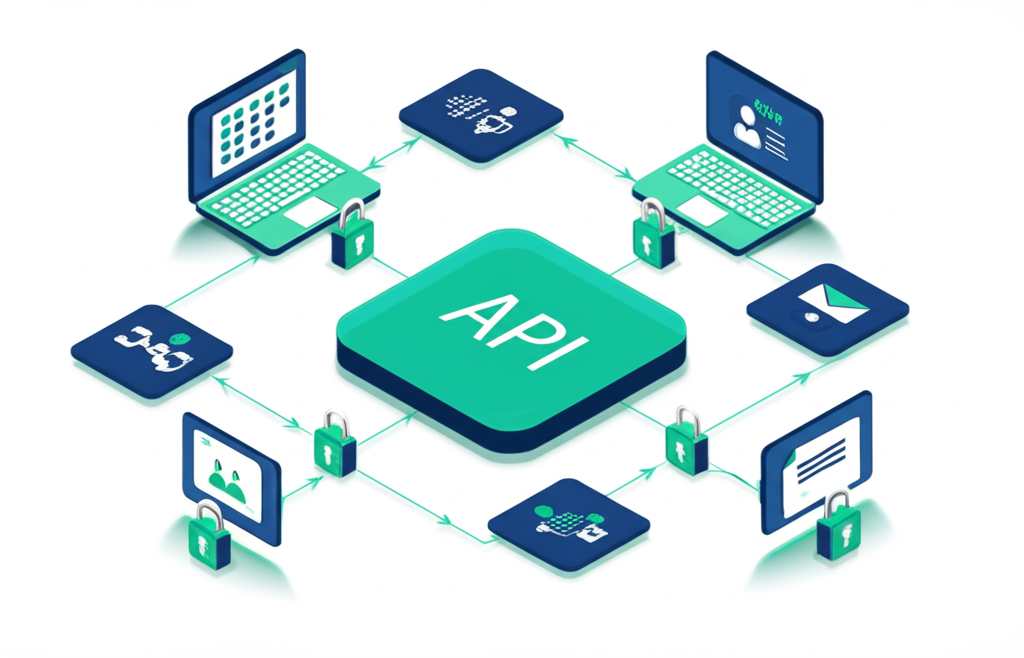
API stands for Application Programming Interface . It's a way for software applications to talk to each other.
Think of an API like a waiter in a restaurant:
You (your software) : The customerThe kitchen (another software) : Where the data livesThe waiter (the API) : Takes your request, brings back results
You don't walk into the kitchen. You tell the waiter what you want, and they handle the communication.
When you:
Enter an address on a delivery app
See a map with your location
Get an ETA for delivery
The app is making API calls to:
Google Maps API (for the map)
Google Directions API (for the route and ETA)
You don't see any of this—it just works.
Without APIs, your data is trapped:
┌─────────────┐     ┌─────────────┐     ┌─────────────┐
│    CRM      │     │ Accounting  │     │   Email     │
│             │     │             │     │             │
│ Customer    │     │  Invoices   │     │ Subscribers │
│ List        │     │             │     │             │
└─────────────┘     └─────────────┘     └─────────────┘
      ↓                   ↓                   ↓
   MANUAL              MANUAL              MANUAL
   EXPORT              EXPORT              EXPORT
      ↓                   ↓                   ↓
   Excel               Excel              Excel
With APIs, data flows automatically:
┌─────────────┐     ┌─────────────┐     ┌─────────────┐
│    CRM      │◄───►│ Accounting  │◄───►│   Email     │
│             │     │             │     │             │
│ Customer    │     │  Invoices   │     │ Subscribers │
│ List        │     │             │     │             │
└─────────────┘     └─────────────┘     └─────────────┘
         ↑               ↑                   ↑
         └───────────────┼───────────────────┘
                         │
              AUTOMATIC VIA APIs
Manual Process With API Integration Hours of data entry Instant synchronization Human errors Accurate every time Outdated information Real-time data One-way data flow Bi-directional sync Delayed decisions Immediate visibility
REST (Representational State Transfer) is the standard for web APIs.
How it works :
You send a request to a URL (endpoint)
You get back data in JSON format
Operations: GET (read), POST (create), PUT (update), DELETE (remove)
Example: Get a customer from HubSpot
GET https://api.hubapi.com/contacts/v1/contact/email/john@example.com
Authorization: Bearer your-api-key

Response:
{
  "vid": 12345,
  "properties": {
    "firstname": "John",
    "lastname": "Smith",
    "email": "john@example.com",
    "company": "Acme Corp"
  }
}
Webhooks push data to you when something happens, rather than you asking for it.
Without webhooks : You check every minute: "Any new orders?"
With webhooks : The system tells you: "New order just came in!"
Example: Stripe webhook for payment
POST https://your-app.com/webhooks/stripe
{
  "type": "payment_intent.succeeded",
  "data": {
    "object": {
      "amount": 9900,
      "currency": "usd",
      "customer": "cus_ABC123"
    }
  }
}
GraphQL lets you request exactly the data you need.
REST : Get entire customer object, even if you only need the email
GraphQL : Get only the email
Example :
query { customer ( id : "12345" ) { email recentOrders ( limit : 5 ) { total date } } } APIs need to know who's making requests. Common methods:
The simplest method. You get a key, include it in requests.
GET https://api.example.com/data
X-API-Key: your-secret-key-here
Security note : Treat API keys like passwords. Never share them publicly.
For applications that access user accounts (like Google, Salesforce).
The flow:
User clicks "Connect to Salesforce"
User logs into Salesforce, grants permission
Your app receives a token
Use token for API requests
More secure, but more complex to implement.
Common for modern APIs. Include a token in the Authorization header.
GET https://api.example.com/data
Authorization: Bearer eyJhbGciOiJIUzI1NiIsInR5cCI6IkpXVCJ9...
HubSpot, Salesforce, Pipedrive, Zoho CRM
Common use cases :
Sync new leads from web forms
Update deal stages from project management
Trigger email sequences from purchase events
Log activities from other systems
Example: Create a HubSpot contact from a form
// When form is submitted const response = await fetch ( 'https://api.hubapi.com/contacts/v1/contact' , { method: 'POST' , headers: { 'Authorization' : `Bearer ${ HUBSPOT_API_KEY }` , 'Content-Type' : 'application/json' }, body: JSON . stringify ({ properties: [ { property: 'email' , value: formData.email }, { property: 'firstname' , value: formData.firstName }, { property: 'company' , value: formData.company } ] }) }); Xero, QuickBooks, FreshBooks
Common use cases :
Create invoices from orders
Sync customer data from CRM
Record payments automatically
Generate financial reports
Example: Create a Xero invoice
const invoice = { Type: 'ACCREC' , Contact: { ContactID: customerId }, Date: new Date (). toISOString (), DueDate: dueDate, LineItems: [ { Description: 'Consulting Services' , Quantity: 10 , UnitAmount: 150.00 , AccountCode: '200' } ] };
await xeroClient.invoices. create (invoice); Shopify, WooCommerce, BigCommerce
Common use cases :
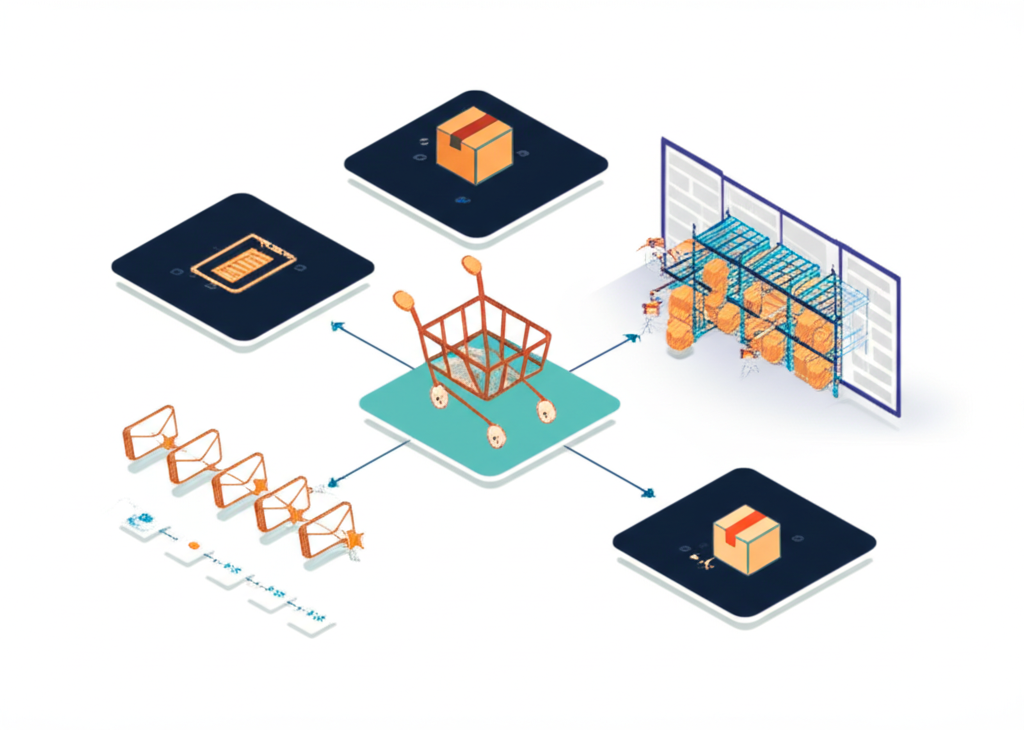
Sync inventory with warehouse systems
Push orders to fulfillment
Update product pricing from ERP
Trigger marketing automation from purchases
Mailchimp, ActiveCampaign, ConvertKit
Common use cases :
Add customers to segments based on purchases
Trigger campaigns from CRM events
Sync subscriber data with customer database
Track email engagement in CRM
Stripe, Square, PayPal
Common use cases :
Create payment links for invoices
Sync successful payments to accounting
Trigger fulfillment on payment completion
Update CRM with customer payment history
Let's walk through connecting a contact form to your CRM.
You have a contact form on your website. When someone submits it, you want to:
Create a contact in HubSpot
Send yourself a Slack notification
Add them to a Mailchimp list
Using n8n or similar automation tool:
Create a webhook trigger
Copy the webhook URL
Add it to your form's submission action
Your webhook receives:
{ "name" : "Jane Smith" , "email" : "jane@company.com" , "company" : "Company Inc" , "message" : "I'm interested in your services" } Add a HubSpot node:
Action: Create Contact
Map: name → firstname, email → email, company → company
Add a Slack node:
Channel: #leads
Message: "New lead: [name] from [company]"
Add a Mailchimp node:
List: Newsletter Subscribers
Email: [email from form]
Tags: "Website Lead"
Submit a test form entry
Check each system for the expected result
Fix any issues
Activate the workflow
APIs fail. Networks go down. Rate limits get hit. Plan for it.
Error Code Meaning What to Do 400 Bad request (your data is wrong) Fix the data format 401 Unauthorized Check your API key 403 Forbidden Check permissions 404 Not found Check the endpoint URL 429 Rate limited Slow down requests 500 Server error Retry after a delay
For temporary failures, retry with exponential backoff:
Attempt 1: Immediate
Attempt 2: Wait 1 second
Attempt 3: Wait 2 seconds
Attempt 4: Wait 4 seconds
Attempt 5: Give up, alert team
Always know when integrations fail:
Send Slack/email alerts on failure
Log errors for debugging
Track error rates over time
❌ Never :
Put API keys in client-side code
Commit keys to public repositories
Share keys via email or chat
✅ Always :
Use environment variables
Rotate keys periodically
Use separate keys for development/production
All API requests should use HTTPS (not HTTP).
For webhooks, verify the sender:
Check webhook signatures
Validate IP addresses if available
Sanitize data before processing
Follow least privilege:
Use read-only keys when possible
Limit scope to what's needed
Review permissions regularly
For non-developers :
Zapier : Easiest, most integrationsMake (Integromat) : More powerful workflowsn8n : Self-hosted, unlimited executionsPipedream : Developer-friendly, free tier
For understanding and debugging :
Postman : Industry standard for API testingInsomnia : Clean, open-source alternativeThunder Client : VS Code extension
When working with an API:
Find the official documentation
Look for example code
Check the authentication section
Start with simple requests
Build up complexity
Data flows in one direction only.
Example : New Shopify orders → Accounting system
Pros : Simple to implement
Cons : No feedback loop
Data flows both directions, staying in sync.
Example : CRM contacts ↔ Email marketing contacts
Pros : Always synchronized
Cons : Conflict resolution needed
Actions trigger on specific events.
Example : Payment received → Send receipt → Update CRM → Notify team
Pros : Real-time, efficient
Cons : Requires webhook support
Process data on a schedule.
Example : Every night, sync all orders to accounting
Pros : Reliable, handles large volumes
Cons : Not real-time
While many integrations are simple enough to DIY, some scenarios benefit from professional help:
Simple form → CRM integrations
Basic e-commerce → email marketing
Webhook notifications
Single-system automations
Complex multi-system workflows
Legacy system integrations
High-volume data synchronization
Custom API development
Compliance-sensitive integrations
We specialize in API integrations for SMBs :
Integration strategy and planning
Custom connection development
n8n and automation setup
Ongoing monitoring and maintenance
Book a free consultation
APIs are the key to unlocking the full potential of your business software. Instead of data trapped in silos and hours spent on manual entry, you can have:
Real-time data synchronization
Automated workflows
Single source of truth
More time for valuable work
Start with one integration. Master the basics. Then expand.
The businesses that connect their systems effectively will outpace those that don't. It's not just about efficiency—it's about having the right data, at the right time, to make better decisions.
Related Guides :
Explore Our Services :