If you're running a small or medium-sized business, you've probably hit the automation wall: Zapier's pricing explodes as you scale, Make (formerly Integromat) gets complex fast, and you're left wondering if there's a better way.
There is. It's called n8n.
In this comprehensive guide, we'll compare the three leading workflow automation platforms—n8n, Zapier, and Make—and explain why open-source automation is becoming the go-to choice for cost-conscious, privacy-aware businesses.
Before we dive into the comparison, let's clarify what workflow automation actually does:
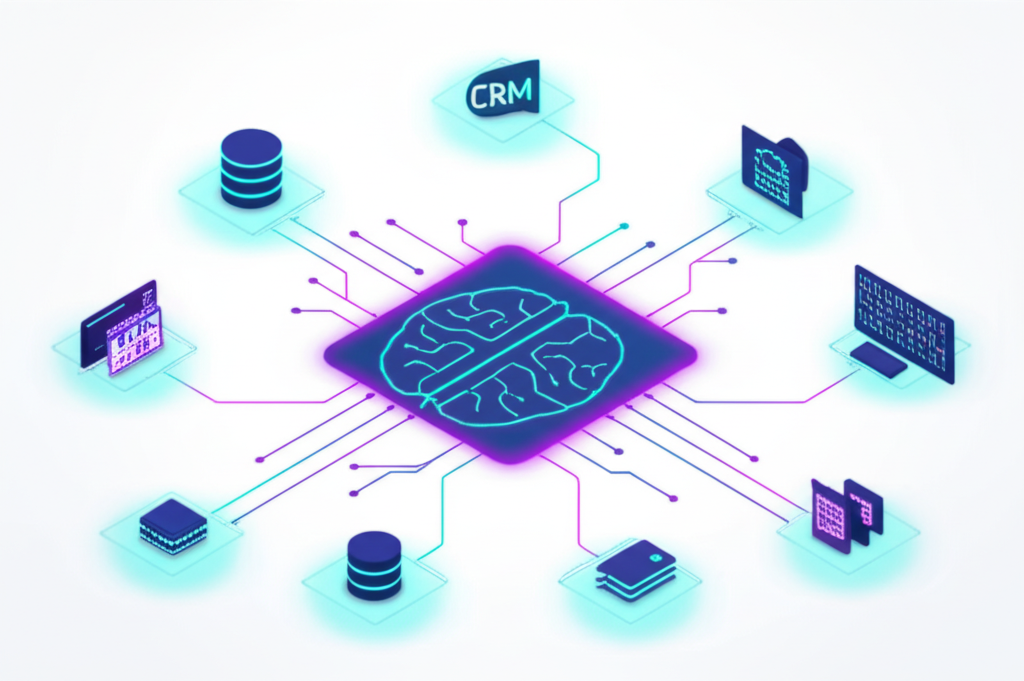
Workflow automation connects your business apps and automates repetitive tasks between them. Instead of manually copying data from your CRM to your email marketing tool, an automation does it instantly, every time.
Lead Management : New form submission → Create CRM contact → Send welcome email → Notify sales team on SlackInvoice Processing : Receive invoice email → Extract data → Create accounting entry → Update spreadsheetCustomer Onboarding : New customer signup → Create accounts in multiple systems → Send onboarding sequenceSocial Media : New blog post → Create social posts → Schedule across platforms
Let's break down the key differences:
Feature n8n Zapier Make Pricing Model Free (self-hosted) or from $20/mo From $19.99/mo (limited) From $9/mo (limited) Task Limits Unlimited (self-hosted) 750-50,000/mo depending on plan 1,000-800,000/mo Open Source ✅ Yes ❌ No ❌ No Self-Hosting ✅ Yes ❌ No ❌ No Data Privacy ✅ Complete control ⚠️ Data passes through servers ⚠️ Data passes through servers Custom Code ✅ Full JavaScript/Python ⚠️ Limited ⚠️ Limited Learning Curve Medium Easy Medium Integrations 400+ (plus custom) 6,000+ 1,500+
n8n is fair-code licensed , meaning:
The source code is publicly available
You can self-host it for free
You can modify it for your needs
You can contribute to the project
Why this matters for business : You're never locked into a vendor. If n8n the company disappeared tomorrow, you'd still have your automations running.
When you self-host n8n, your data never leaves your infrastructure :
Your Data Flow (Self-Hosted n8n):
CRM → Your Server (n8n) → Your Database → Your Email System

Your Data Flow (Cloud Automation):
CRM → Zapier's Servers → Their Database → Your Email System
       ↑
       Third party sees all your data
For businesses handling sensitive data (healthcare, legal, financial), this is a game-changer.
Here's where the cost savings get real:
Scenario: 10,000 automations per month
Platform Monthly Cost Zapier $599/month (Professional plan) Make $99/month (Pro plan) n8n Cloud $50/month n8n Self-Hosted ~$20/month (server costs)
Annual savings vs Zapier: $6,948
n8n supports features that Zapier charges premium prices for:
Branching logic (if/then/else)Loops and iterations Error handling with retry Sub-workflows Custom JavaScript code at any stepWebhook endpoints (unlimited)Manual triggers for testing
You need the absolute simplest setup
You have budget and don't mind paying for convenience
You need a specific integration only Zapier has
You have no technical resources whatsoever
You're doing less than 750 tasks/month (free tier)
You need visual, complex branching workflows
You're comfortable with a moderate learning curve
You want more capability than Zapier at lower cost
You don't need self-hosting or source code access
You want to control your data completely
You're scaling and costs matter
You need custom code or API integrations
You have some technical capability (or a partner who does)
You're in a regulated industry (healthcare, finance, legal)
You want unlimited automations without per-task pricing
Sign up at n8n.io
Start with the free trial
Build your first workflow in minutes
Best for : Trying n8n before committing to self-hosting.
Requirements :
A server (VPS, Docker, Kubernetes)
Basic command line knowledge
15-30 minutes for setup
Docker Setup :
docker run -it --rm \
  --name n8n \
  -p 5678:5678 \
  -v ~/.n8n:/home/node/.n8n \
  n8nio/n8n
Best for : Production use, sensitive data, cost optimization.
Don't want to manage servers? We can:
Set up n8n on your infrastructure
Configure security and backups
Provide ongoing maintenance
Build your initial automations
Book a free consultation
The Problem : A Shopify store was manually updating inventory, sending shipping notifications, and syncing to their accounting software.
The n8n Solution :
Webhook receives Shopify order
Update inventory in multiple warehouses
Create invoice in Xero
Send personalized confirmation email
Add customer to email marketing segment
Notify warehouse via Slack
Result : 15 hours/week saved, zero manual errors.
The Problem : A B2B company received leads from multiple sources, manually qualified them, and assigned them to sales reps.
The n8n Solution :
Aggregate leads from website, LinkedIn, and trade shows
Enrich lead data using Clearbit API
Score leads based on company size and role
Route high-priority leads to senior sales reps
Add to appropriate nurture sequences
Update CRM with full context
Result : 2x faster lead response time, 30% higher conversion.
The Problem : A wealth management firm spent 20+ hours monthly on compliance reports.
The n8n Solution :
Extract data from portfolio management system
Pull transactions from custodian
Calculate required metrics
Generate formatted reports
Email to compliance team for review
Archive with audit trail
Result : 80% time reduction, improved accuracy.
Let's build a practical automation: New form submission → CRM → Email notification
Create a new workflow in n8n
Add a Webhook node
Copy the webhook URL
Add it to your form (Typeform, JotForm, or custom)
Add a Set node to format the data
Map form fields to your CRM fields:
name → contact_nameemail → contact_emailcompany → company_name
Add your CRM node (HubSpot, Salesforce, Pipedrive, etc.)
Configure the connection
Map the formatted fields
Add an Email or Slack node
Compose notification message with lead details
Set recipient (sales team channel or manager)
Add an Error Trigger workflow
Capture failed executions
Notify your team of issues
Store failed data for manual review
Export workflows as JSON and store in Git:
# Export workflow curl -X GET http://localhost:5678/workflows/1 > workflow-lead-capture.json
# Commit to repository git add workflow-lead-capture.json git commit -m "Updated lead capture with new routing logic" Never hardcode API keys or secrets:
// Bad const apiKey = "sk_live_abc123" ;
// Good const apiKey = $env. STRIPE_API_KEY ; Every production workflow should:
Catch and log errors
Notify appropriate team members
Store failed data for retry
Have a manual fallback process
Set up monitoring for:
Workflow execution failures
Unusual execution times
Queue backlogs
Resource utilization
HubSpot
Salesforce
Pipedrive
Zoho CRM
Freshsales
Xero
QuickBooks
Stripe
PayPal
Square
Slack
Microsoft Teams
Email (SMTP, Gmail, Outlook)
Twilio (SMS)
WhatsApp Business
Mailchimp
ActiveCampaign
ConvertKit
Facebook Ads
Google Ads
Google Sheets
Airtable
Notion
Trello
Asana
GitHub
GitLab
Jira
Linear
Custom APIs (HTTP Request node)
If you're ready to switch, here's how to migrate:
List all your Zapier zaps with:
Trigger app and action
Data being passed
Frequency of execution
Business criticality
Start with:
High-volume workflows (biggest cost savings)
Simple workflows (easiest to migrate)
Non-critical workflows (lowest risk)
For each workflow:
Set up the trigger (often a webhook)
Add equivalent action nodes
Map data fields
Test thoroughly
Run in parallel with Zapier for validation
Once validated:
Update trigger sources to n8n
Monitor for 1-2 weeks
Disable Zapier workflow
Cancel after grace period
Expense Zapier n8n Self-Hosted Platform $299/mo $0 Server $0 $20/mo Setup (one-time) $0 $500 Year 1 Total $3,588 $740 Year 2+ Total $3,588 $240
5-year savings: $14,500+
Expense Zapier n8n Self-Hosted Platform $799/mo $0 Server $0 $50/mo Setup (one-time) $0 $1,500 Year 1 Total $9,588 $2,100 Year 2+ Total $9,588 $600
5-year savings: $43,000+
Self-hosting n8n is straightforward for technical teams, but if you:
Don't have in-house technical resources
Want to migrate complex workflows quickly
Need custom integrations built
Require enterprise security configuration
Want ongoing maintenance and support
We can help. Our team specializes in n8n implementations for SMBs:
Assessment : Audit your current automation needsArchitecture : Design optimal workflow structureImplementation : Build and deploy on your infrastructureTraining : Teach your team to maintain and extendSupport : Ongoing maintenance and optimization
Book Your Free Consultation
The automation platform you choose has long-term implications for your business:
Cost : n8n can save thousands annuallyControl : Self-hosting means your data stays yoursCapability : Open source means unlimited customizationContinuity : No vendor lock-in
For SMBs serious about automation, n8n offers the best combination of power, flexibility, and value. Whether you self-host or use their cloud offering, you're investing in a platform that grows with your business without exploding your budget.
Ready to explore n8n for your business? Contact us for a free assessment of your automation opportunities.
Related Guides :
Explore Our Services :
Ready to Automate Your Business? Let us help you implement the solutions discussed in this guide. Get started with a free consultation.